Eventual Calendar
A powerful and elegantly designed calendar app built for speed and simplicity.

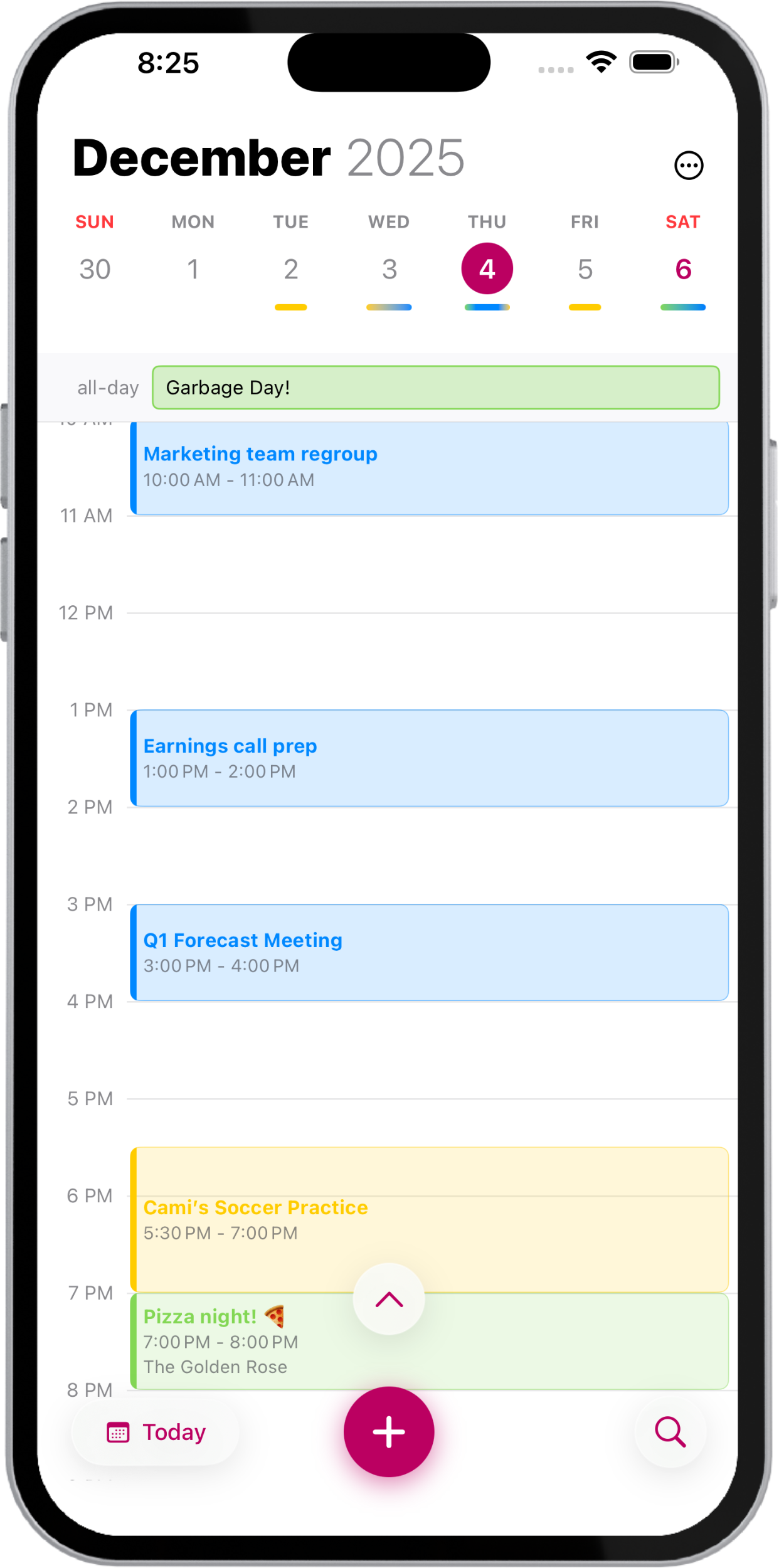
Beauty in every detail.
Power in every tap.
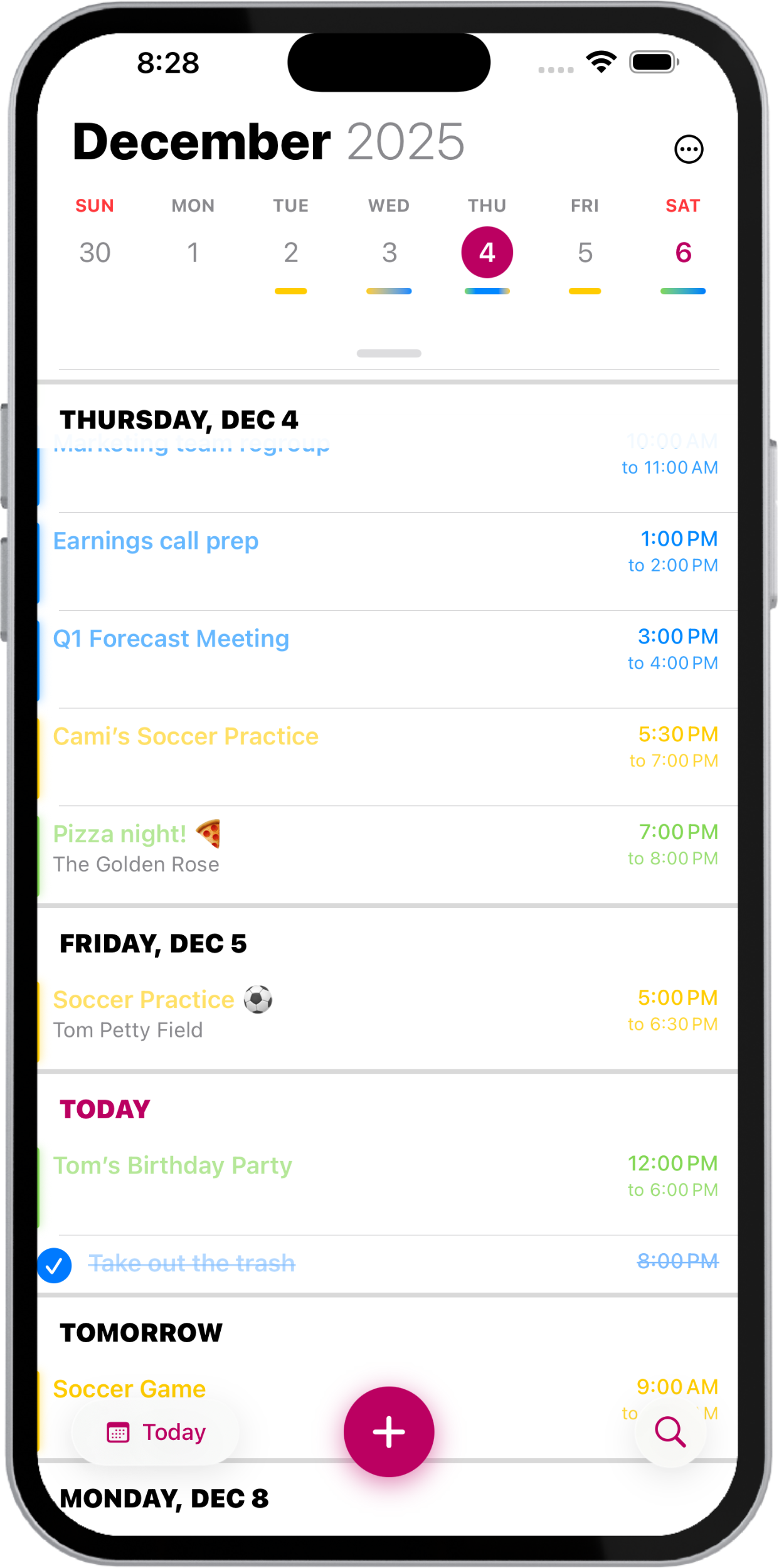
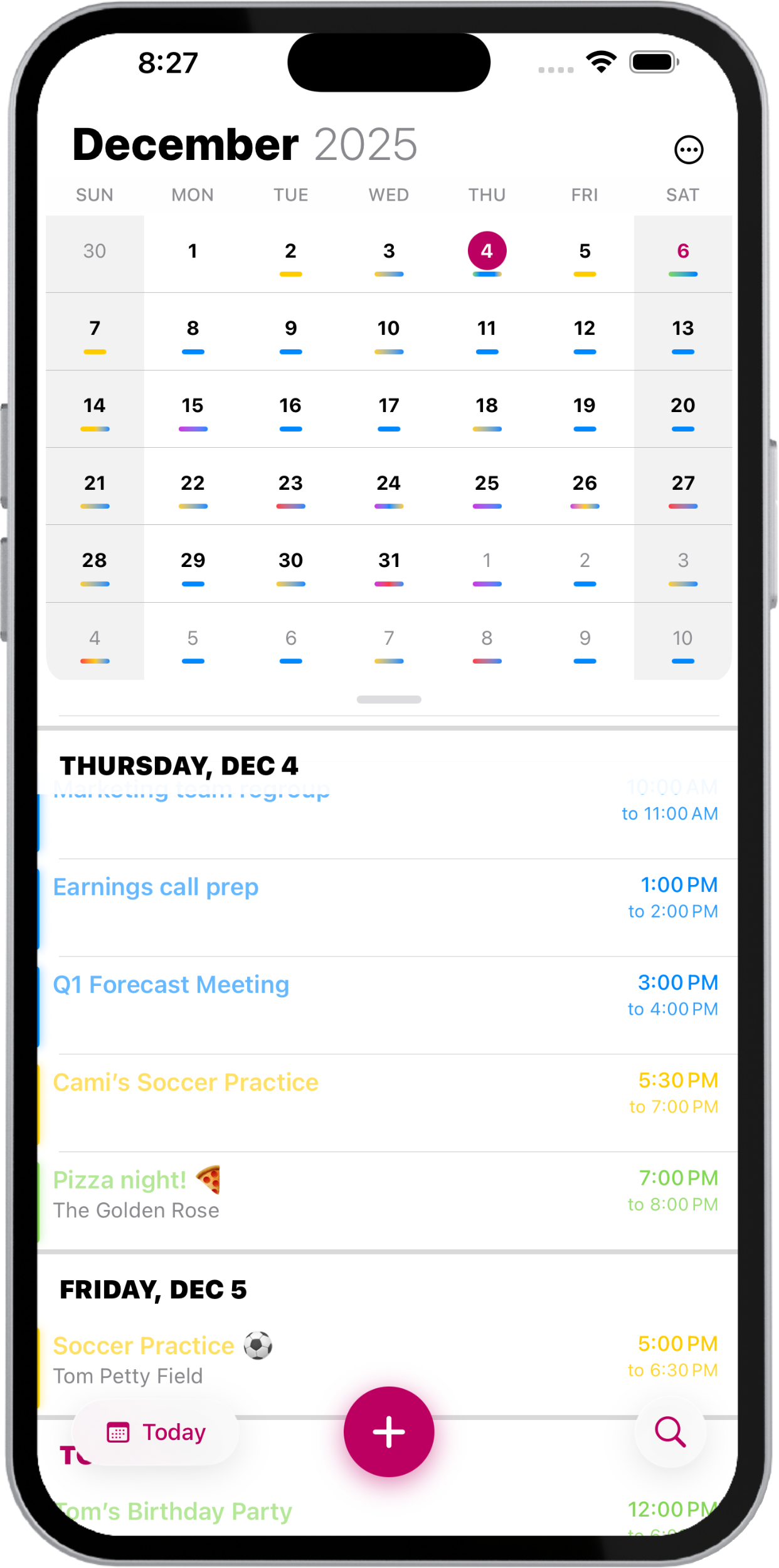
A smooth, fluid interface makes navigating your schedule effortless. Behind the simple design are powerful tools built to handle even the most demanding calendars—yet they stay perfectly out of the way when you don't need them. Eventual scales to you, however complicated your calendar.
Repeat without repeating yourself.
For routines that don't fit standard repeating schedules. Stencils save the details for you. Build a template once, drop it in anytime, and you're done.
Create Stencils
Just tap and hold any event to turn it into a Stencil—then sort, categorize, and access it on all your devices with seamless iCloud sync.
Simple to Use
Using a Stencil is just as simple—tap and hold on any day in your calendar, then drop it right into your schedule.
Everything you need to do, all in view.
Time-sensitive reminders appear right alongside your events, so nothing slips through the cracks. Mark them complete, edit them on the spot, or create new ones—all without ever leaving Eventual.
Quick Reminders
Tap and hold the plus button to create a new reminder.
So much more to love.
From smart search to rich customization, powerful interactive widgets, and built-in privacy, Eventual is filled with thoughtful features that make your calendar management easier than ever.
See the bigger picture.
Everything you love about Eventual, reimagined for the expansive canvas of iPad. Multi-panel layouts, a full year view, and a weekly timeline give you more ways to see and manage your schedule than ever before.
Everything in your day, neatly laid out and simple to adjust.
Take advantage of iPad's larger screen with a multi-panel layout that shows your event list, daily timeline, and event details all at once—no switching between views.
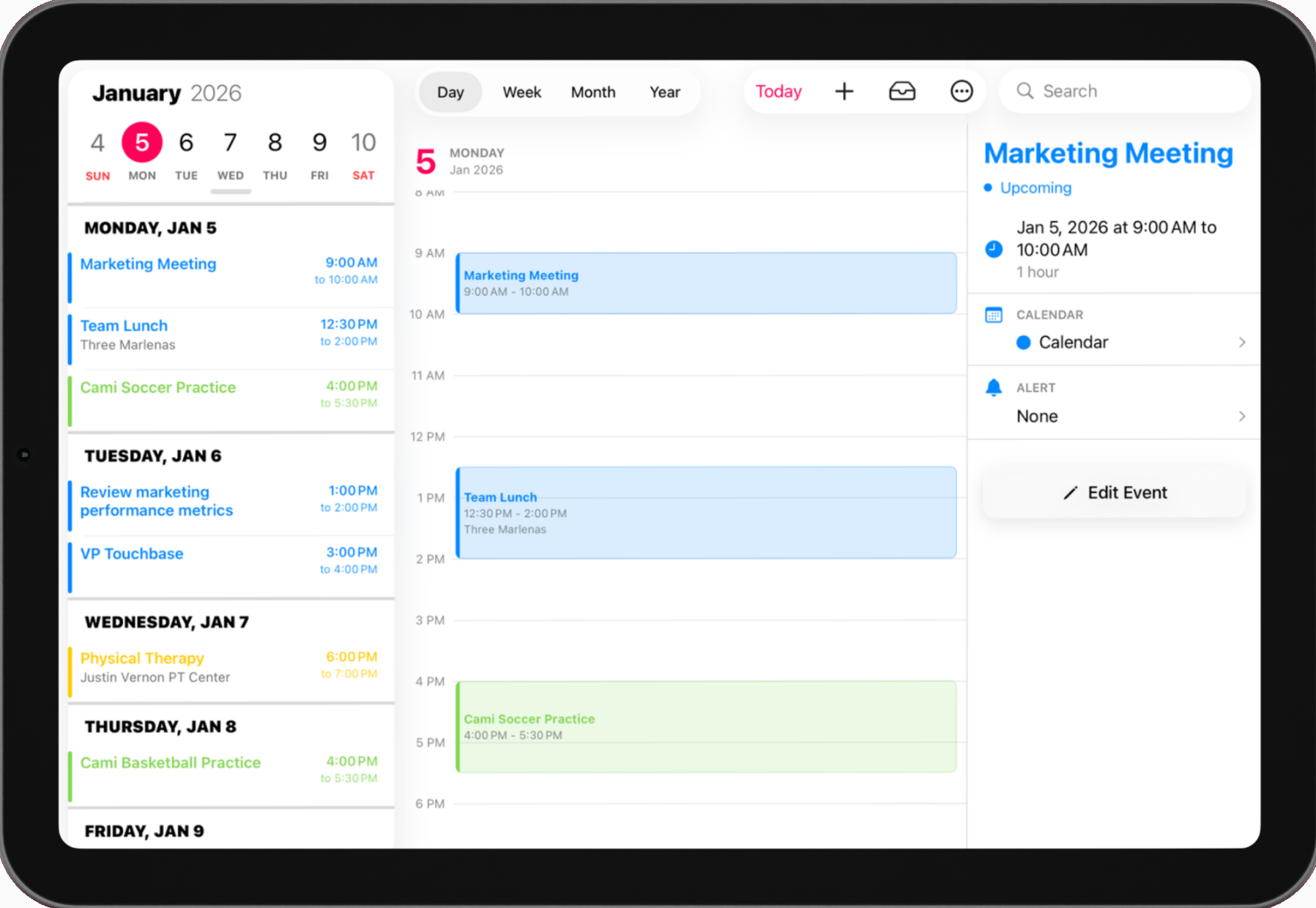
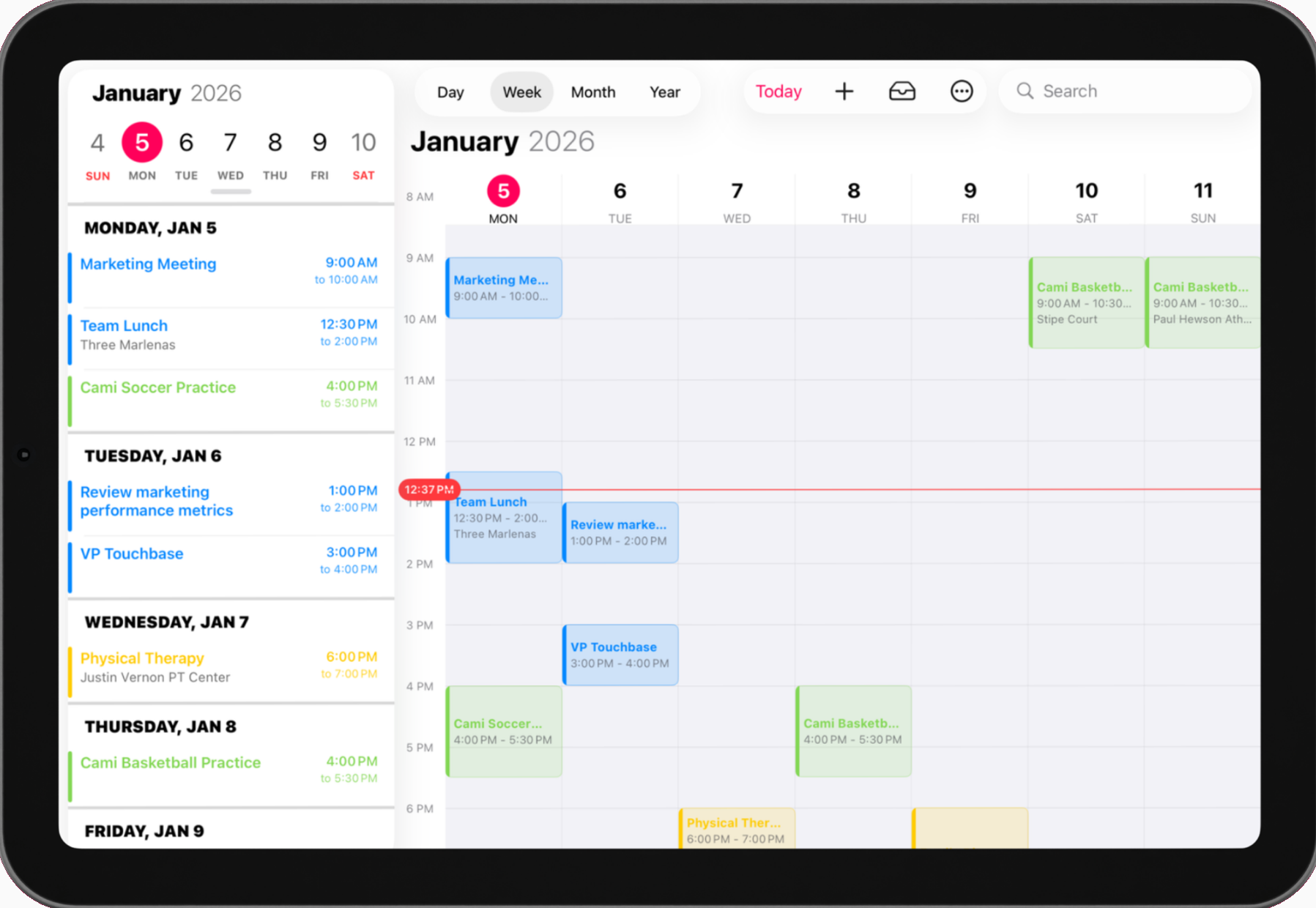
See your entire week on the expansive canvas of iPad.
The full week view makes it easy to spot conflicts, find free time, and plan ahead. Every event is laid out on a clear hourly grid so you can see the shape of your week at a glance.
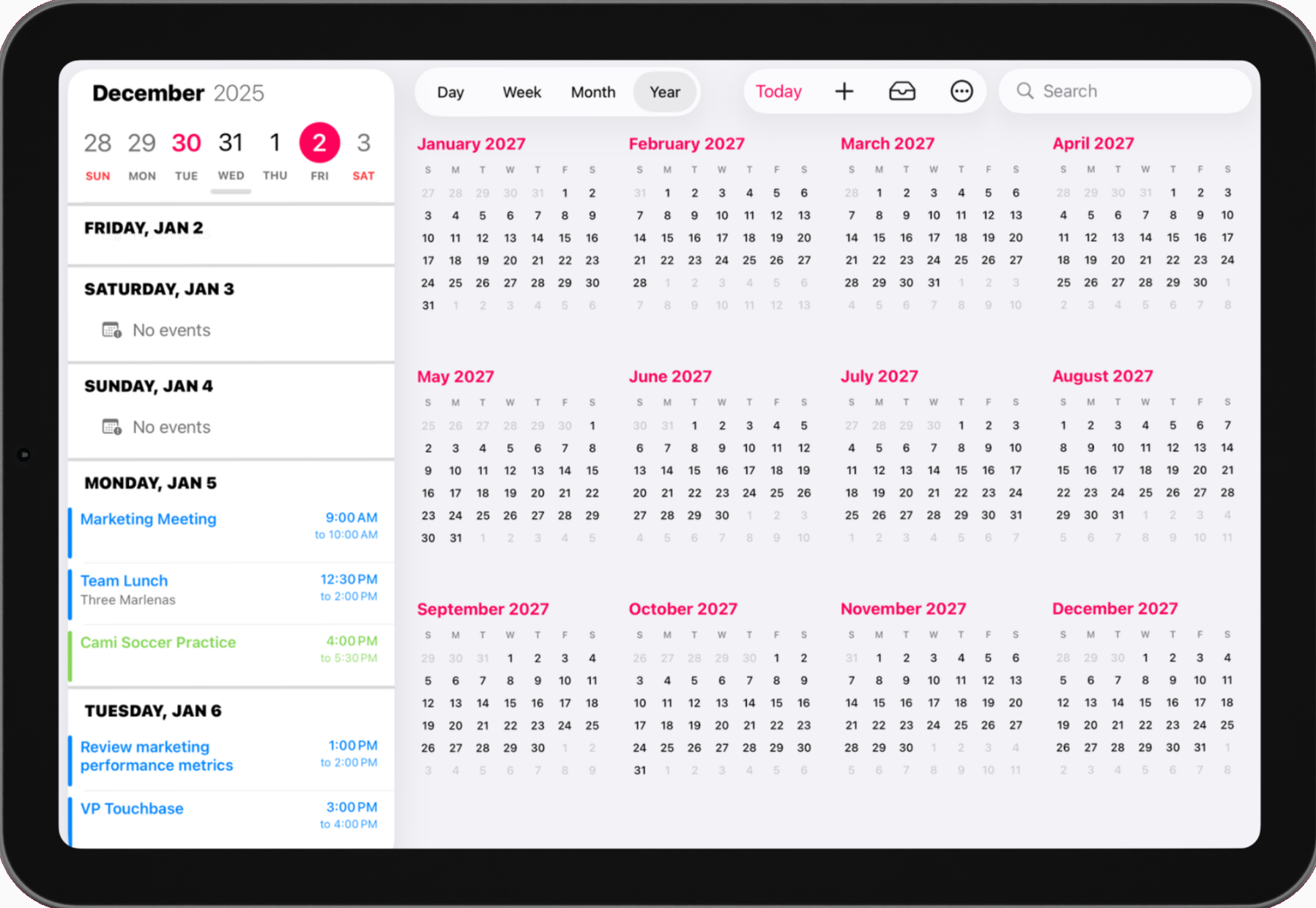
Your entire year in one view.
Plan months ahead with the year view—an iPad-exclusive feature. All twelve months are displayed in a clean grid so you can quickly navigate to any date and spot long-range patterns.